



We are often asked what is the basic tool for doing online market research. Our answer?
Google Trends, which is the only tool that allows you to find out what people are really interested in right now, in the last year, and even in the last 15 years.
Admit it, it was not the answer you were waiting for. You were already thinking about super-powerful, super-expensive software that only a few can afford.
You see, the thing is that the synonym for “expensive” is not always “powerful,” although so many still think so. On the contrary!
In an environment, however, where there are thousands of professional and paid tools, it often happens that a free tool is often underestimated.
This is the case with Google Trends, one of the largest databases with available data on people’s interests and preferences.
Let’s understand together, then, why it’s such a powerful (albeit free) tool and how to use Google Trends for your market research .
Tip before you continue reading: open Google Trends and follow what we explain step by step! At the bottom you will find a trick you can use in your research!
Why and how to use Google Trends: let’s start at the beginning
You’re probably wondering, “But why on earth is this tool so powerful?”
To answer this, let’s start with this data:
- On average, a person performs 3 to 4 searches each day;
- Google processes as many as 63 thousand search queries per second;
- or 5.6 billion searches per day
- and about 2 trillion global searches per year.
So as you can imagine, by storing all this data from 2004 to the present, Google has managed to build a database that is as large as it is reliable with respect to what people around the world really care about.
But it didn’t end there! Because Messrs. Page and Brin decided, then, to make all this data accessible to everyone and, above all, easy to understand.
Hence, the free Google Trends tool was born, which is essential for your online market research!
Read also “ Google search trends: 5 useful answers for your company that you can get by leveraging Google Trends data “
How to use Google Trends: basics to start with
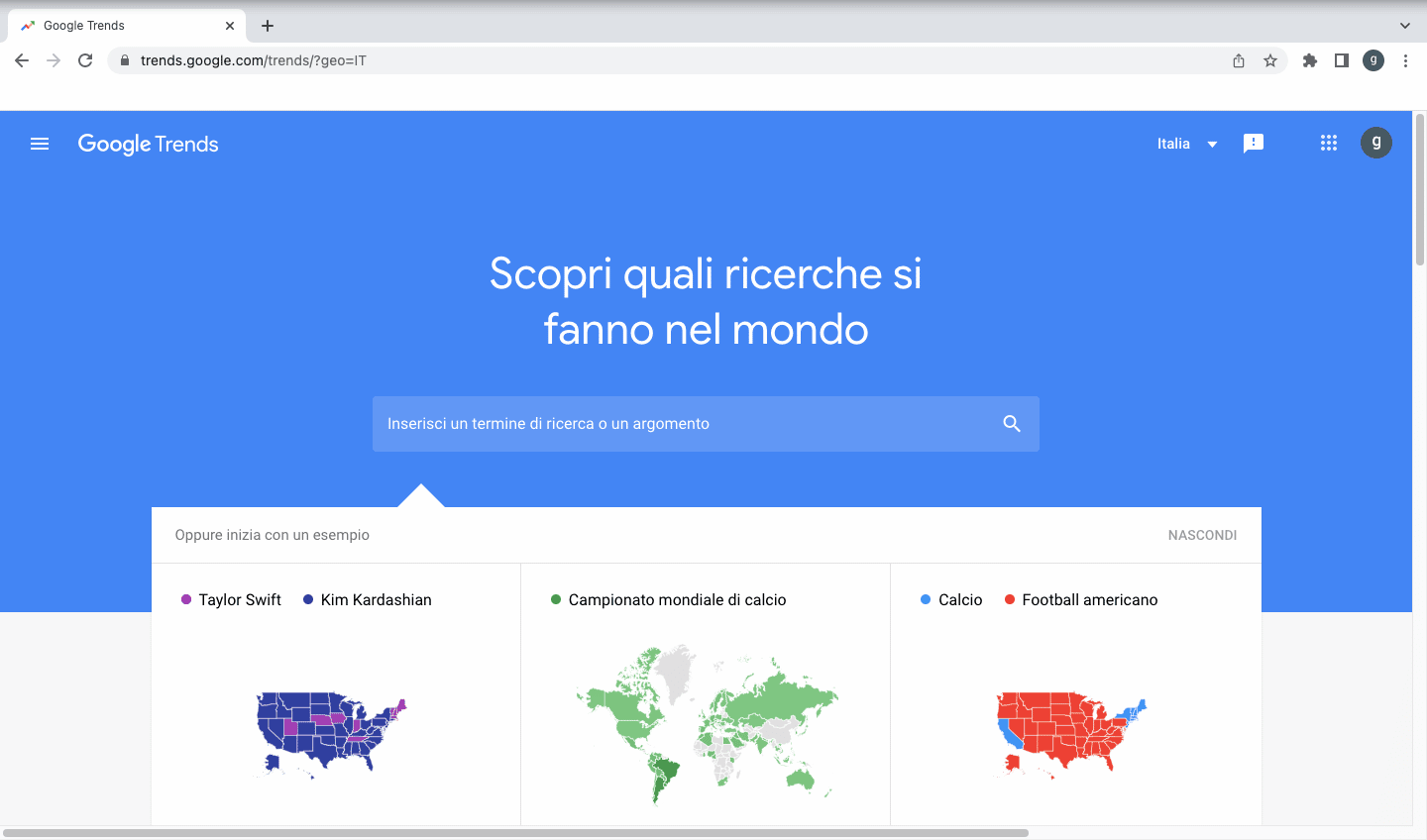
To begin, simply type the term you want to search for into the search bar. Google will immediately ask you if you want to search for a specific term or if you are looking for a topic that can be in some cases categorized as an animal, music group, company.
The difference lies in the fact that the single term is searched exactly as it is, while the topic includes a whole series of terms that Google considers related and also all the translations in all the languages of the world . So the choice depends on the objective of your study.
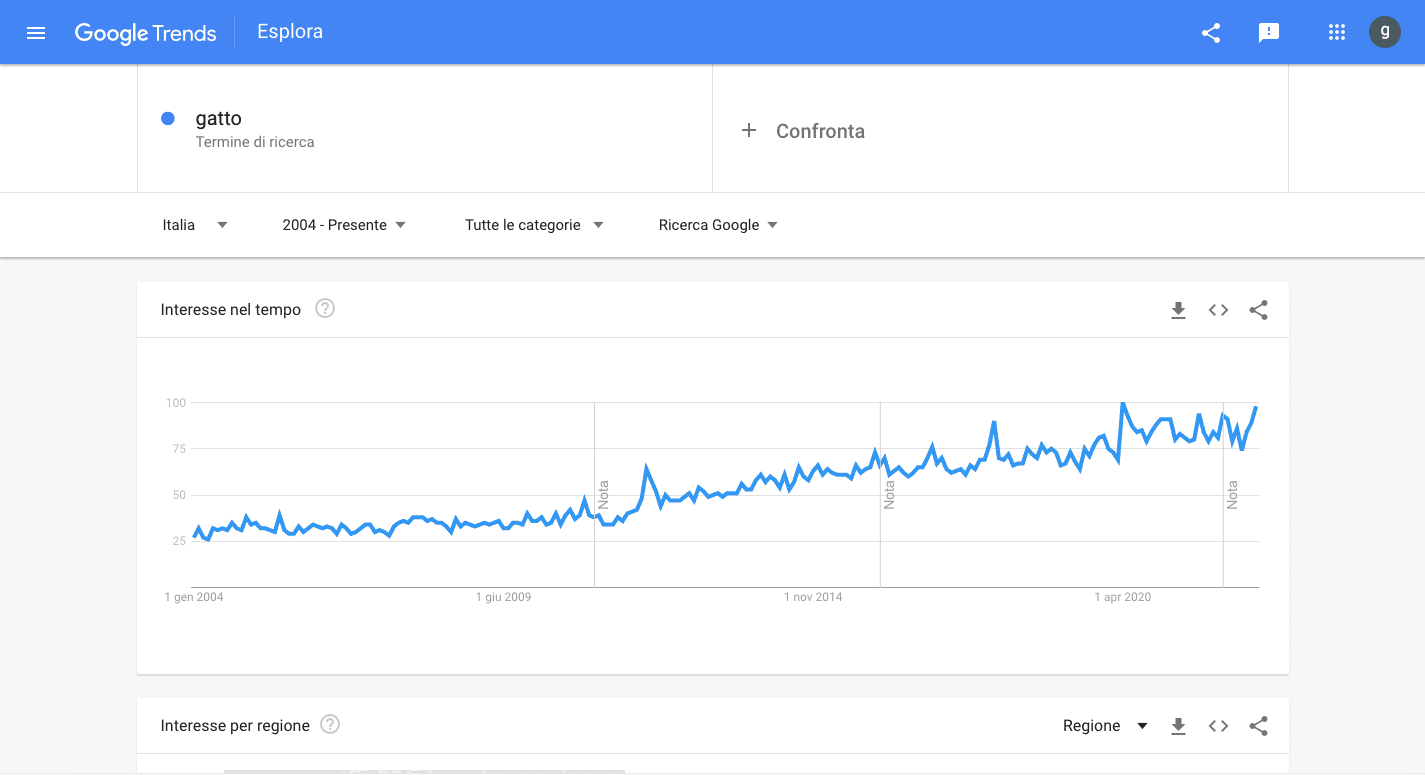
Analyzing the results, Google Trends automatically returns a graph over time expressed in hundredths: that is, the platform assigns a score of 100 to the highest point, the highest data point in the range, and at this point all other points are constructed accordingly.
For example, if a point is worth 58 it means that it is slightly more than half of the main point. Where, on the other hand, it is worth 75 means that it is equal to 25% of the day on which the maximum peak was recorded.
How can you elaborate on the data
In order to have a broader ability to view, it is possible to extend the time interval by considering the maximum period, that is, from 2004 to the present. This will allow you to see if there is a trend, a growth. In addition, it is possible to understand whether there is seasonality, that is, whether there are in the months in which interest always increases.
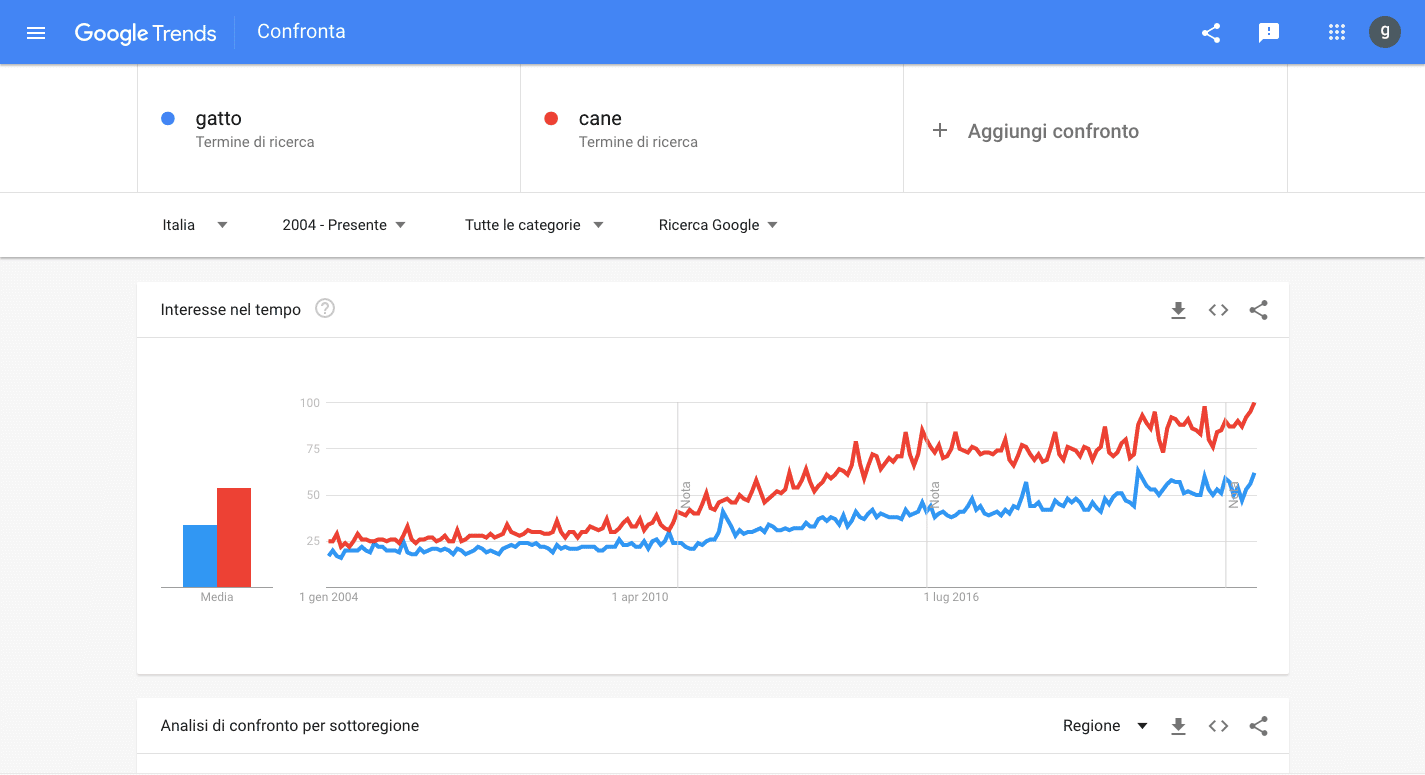
Continuing, a further step is to compare the selected topic with another topic to see which one registers a greater interest. At this stage, the system recalculates all the data to find the maximum point of the range of both groups considered and then calculates all the other points in relation, immediately showing you which one has more interest than the other.
Going down Google shows where these topics are searched. In this case you can change the geographical area from the drop-down menu or simply by clicking on the graphs.
Another important issue is to look at what is behind these searches. In fact, Google allows us to see not only which searches are growing, that is, those that have increased over the period, but also the “most searched.” This way you will be able to see the most relevant ones, which are also calculated proportionally.
Remember: the main one is worth a hundred and the others accordingly, to see how much less relevant they are.
At this point if you identify a topic that particularly interests you, all you have to do is click on it and study it further, moving on to the next step.
It’s bonus time! 🎁
If you have come this far, congratulations!
We reserved one very last piece of advice at the end. In fact, better to call it a “trick.” We are talking about a feature that few people know about, namely the ability to study searches even on Youtube, which is in fact the second largest search engine, right after Google.
To accomplish this, all you need to do is change the drop-down menu at the top where it says “Google Searches.” Once clicked, you’ll need to select “YouTube search,” and lo and behold, you’ll discover the search trend of videos as well.

Conclusions
So, as you may have guessed, already by using this software you can find out a lot of information in seconds and at a glance.
However, by continuing the analysis in a more professional way and analyzing dozens of terms, related topics, and going to export all this data into excel files, it is possible to further deepen the study.
Once collected, however, it is crucial to analyze them and be able to turn them into insights that are truly useful for your business.
The next step then, after identifying a particular trend, is to ask yourself what actionable insights you can take to grow your business. How can you concretely apply that trend to your specific case? What does that information you dug up actually mean for your business? How can you leverage that insight to effectively grow your business?
Answering all these questions is no child’s play. On the contrary, in a great many cases you need to rely on real Big Data experts to help you translate data into actionable information for your business.
So if you, too, need help not only collecting but also analyzing and studying data about your market and the trends affecting it, don’t waste any more time. Contact us right away! We at Central Marketing Intelligence are for you!